Remove distractions from your photos
Tap what doesn’t belong, a passer-by, a sign or a stray branch, and Afterlux fills in what was behind it. On RAW files too, as a step you can undo.
Free while in beta. No account needed.
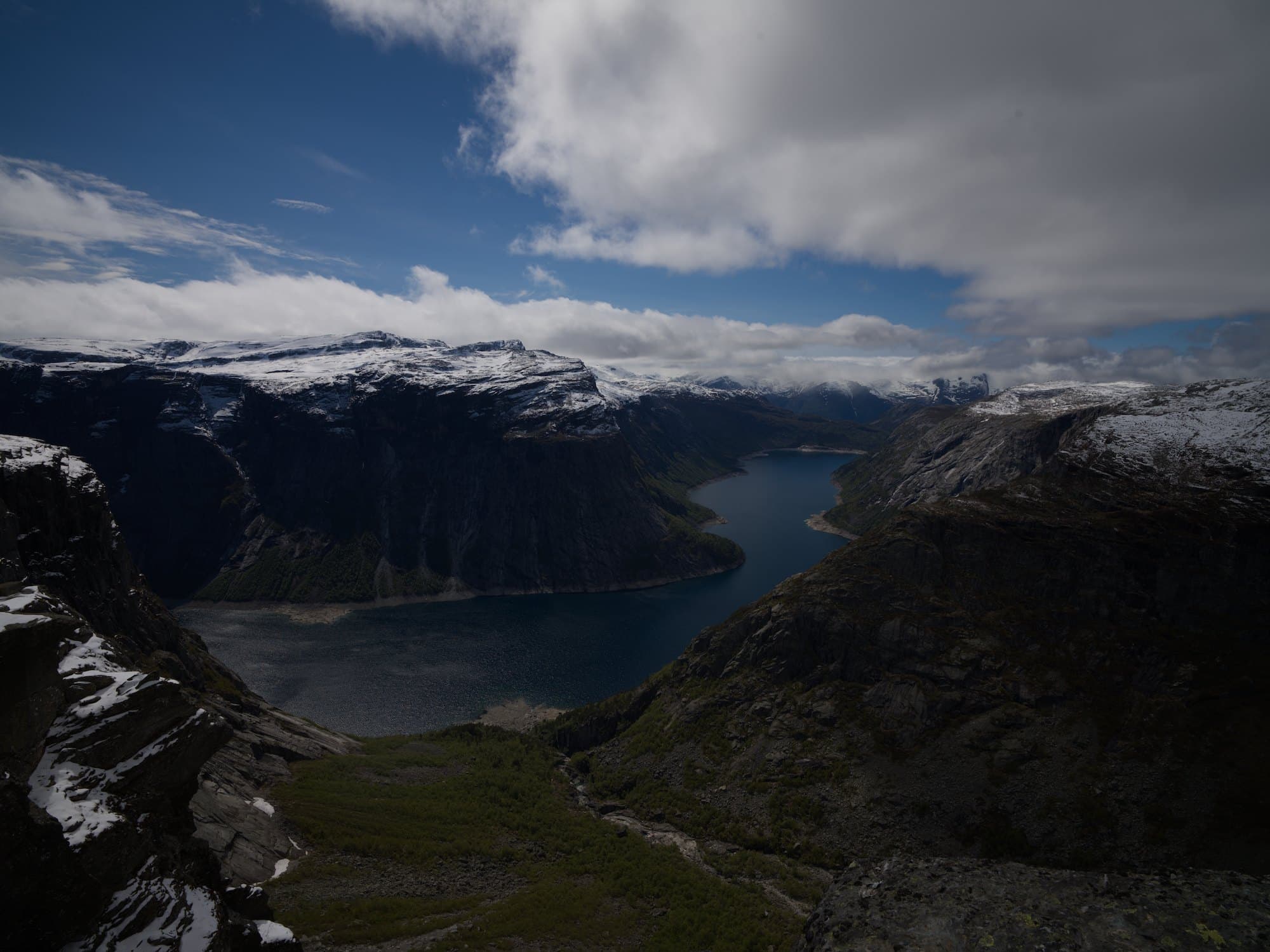
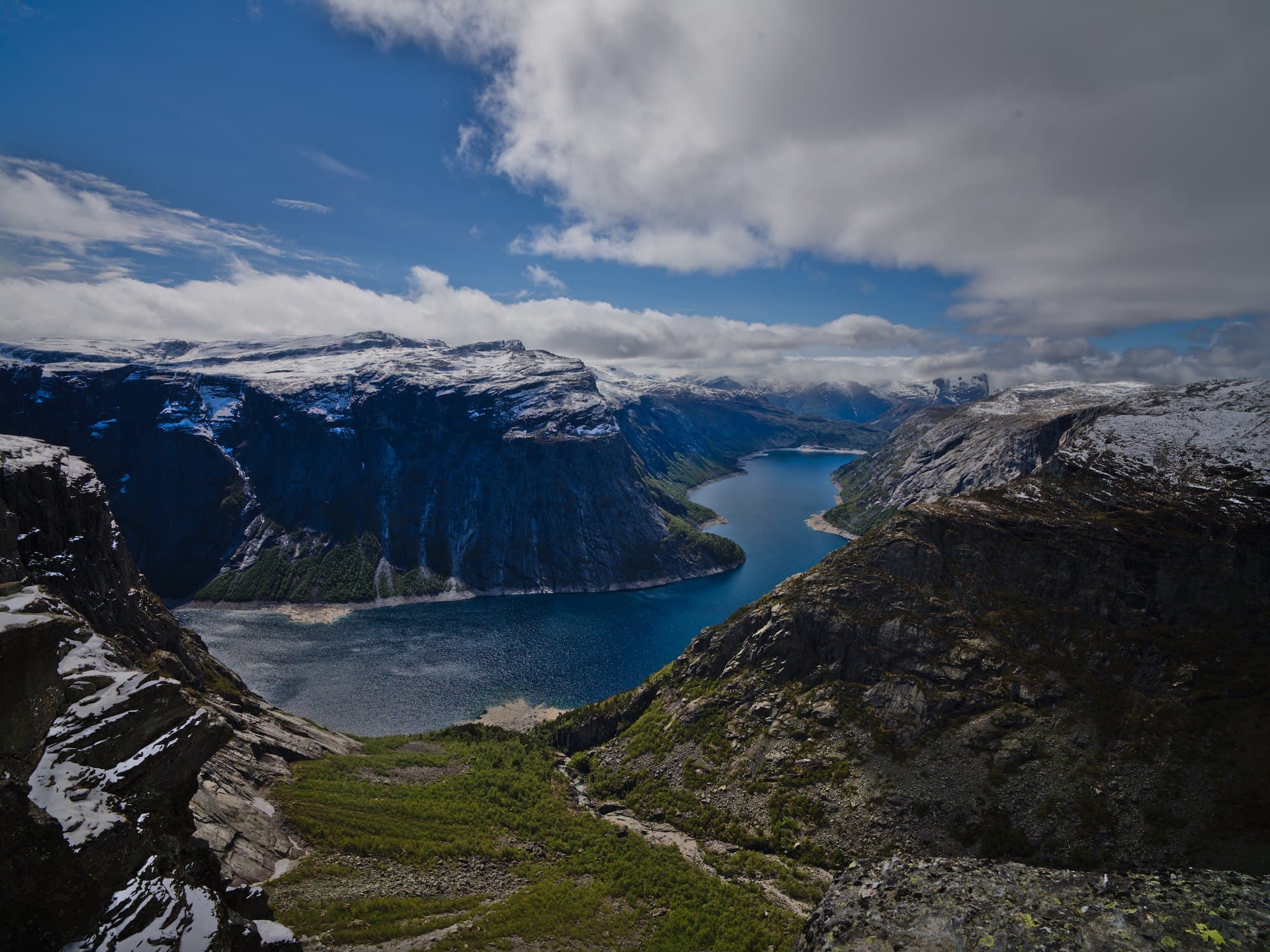
Remove the birds from the sky
- Selected the birds
- Filled in with the sky around them
Removed the birds; the sky behind them is drawn in to follow the clouds.
How it works
- 1
Open a photo
RAW or JPEG, from any camera or phone.
- 2
Tap what should go
Afterlux outlines the whole object; tap more to add them, or ask the assistant to find them for you.
- 3
Keep editing
The fill blends into the photo; carry on with color and light as usual.
Precise outlines
Afterlux selects the whole object along its edges, not a rough brush stroke.
A real edit
The removal is a step in your history: undo it at any time; your original stays as it was.
In your own words
“Remove the people in the background” works too: the assistant finds them and removes them.
Questions
- Is it free?
- Yes, while in beta, up to a number of removals a day.
- Does it work on RAW files?
- Yes. The fill is kept as its own layer of the edit, so the RAW file itself is untouched.
- What does it work best on?
- Objects that stand apart from the background: people, signs, cars, bins. Very large areas are harder to fill convincingly.
More with Afterlux
Say it, and it edits
Ask in your own words. The assistant explains each step and works with real sliders, so every change stays yours to adjust.
Match a look
Show a reference picture or describe a style; it matches the color and light on your own photo.
Relight after the shot
Add a light where there was none. Afterlux reads the shape of the scene and lights it from where you point.