Relight your photo after the shot
Add a lamp, a window light or a low sun after the fact. Afterlux reads the shape of the scene and lights it from where you point; move the light and tune it like a studio light.
Free while in beta. No account needed.
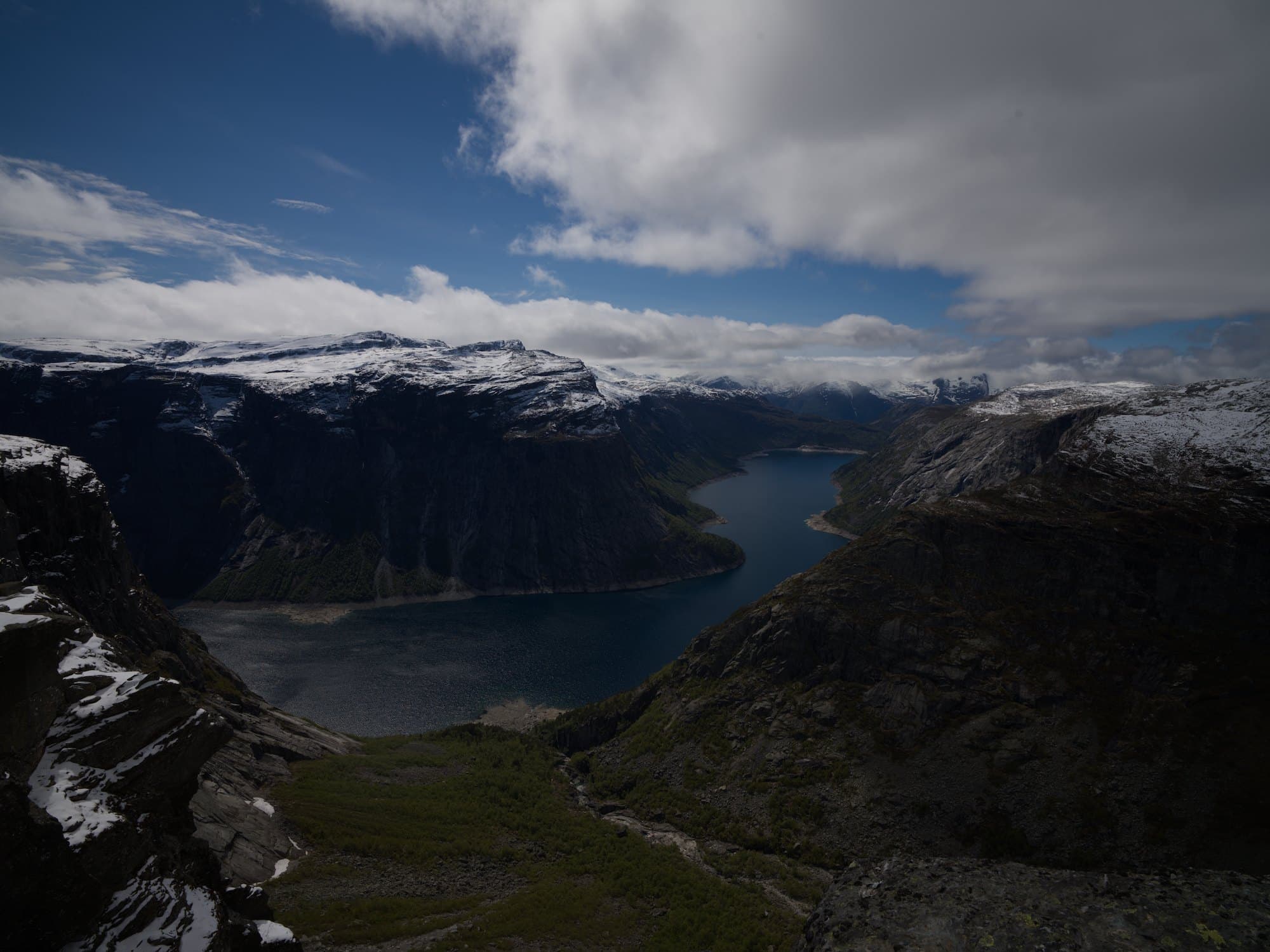
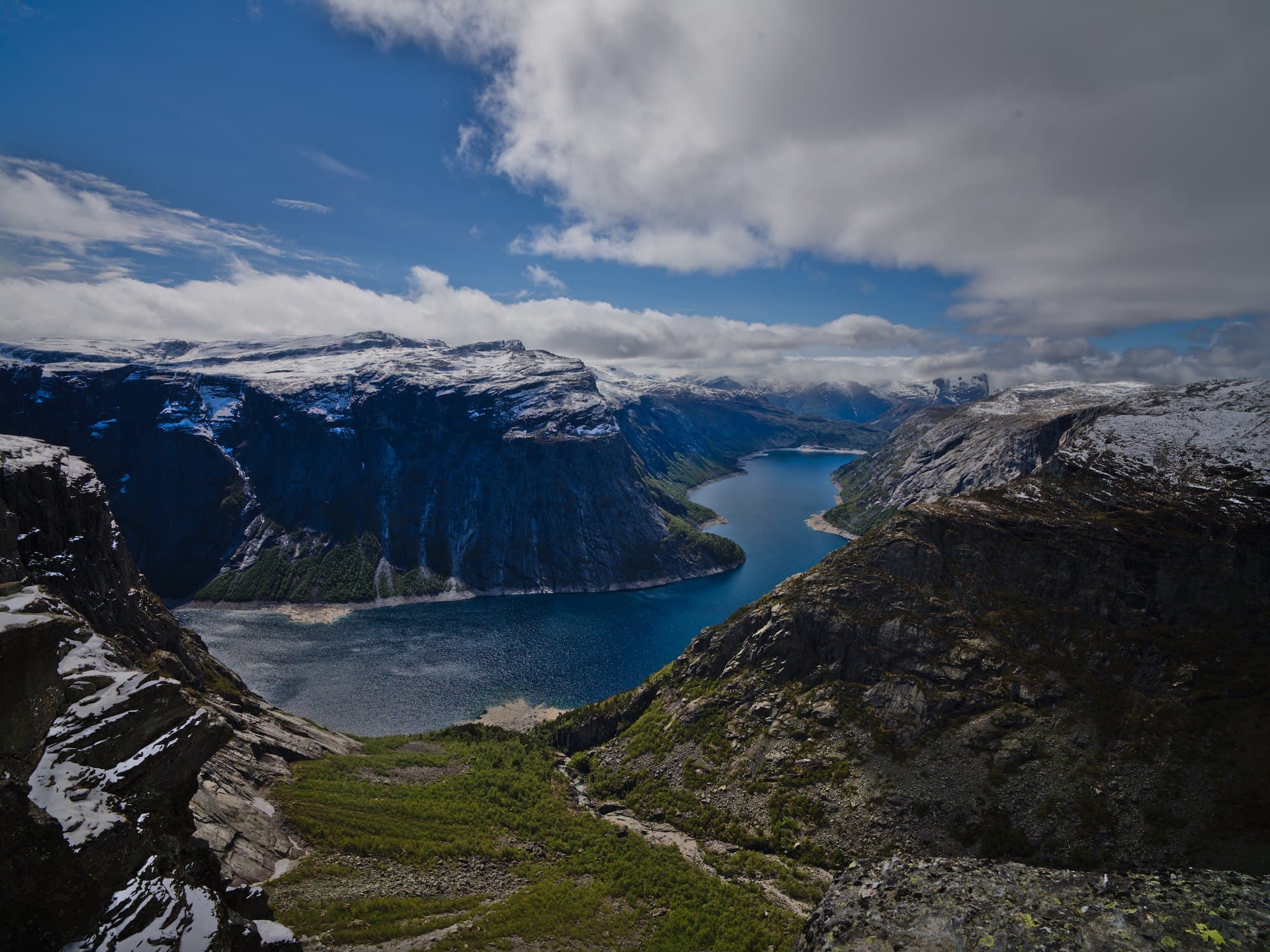
Light the castle with warm late sun from the left
- Light from the left, 60° off the camera, on the castle only
- Warmth and softness of late sun
Lit the castle from the left with a warm, low light: the walls facing left catch the sun, and the rest of the hill keeps its winter blue.
How it works
- 1
Open a photo
RAW or JPEG. The shape of the scene is read in your browser in a few seconds.
- 2
Point where the light comes from
Drag the light on the photo, or ask: “a soft light from the window on the right”.
- 3
Shape the light
Strength, warmth, softness, shadow and fall-off are sliders; light the subject alone if you like.
It knows the shape
A model estimates which way each surface faces, so light wraps around faces, walls and hills instead of a flat glow.
Where it belongs
The edge of the light follows the picture’s own edges; keep it to the subject or let it reach the whole scene.
A real edit
Each light is a step in your history: switch it off, move it, change its color, or add another.
Questions
- Does it add shadows?
- It shades each surface by the way it faces, but does not cast new shadows across the scene.
- Which photos work best?
- People, buildings and landscapes with clear forms. Glass, water, smoke and fine hair read less well.
- Do I need special photos?
- No. The shape is estimated from the picture itself, so any photo works, old ones included.
More with Afterlux
Say it, and it edits
Ask in your own words. The assistant explains each step and works with real sliders, so every change stays yours to adjust.
Match a look
Show a reference picture or describe a style; it matches the color and light on your own photo.
Remove distractions
Tap what does not belong and it is drawn over with what lay behind it.